
THE APP / FOUR VIEWS
Your OPay screens,
explained.
Choose the screen that matches your question, then read the labels together.
Explore all 16 topics →Home: shortcuts and OCoin
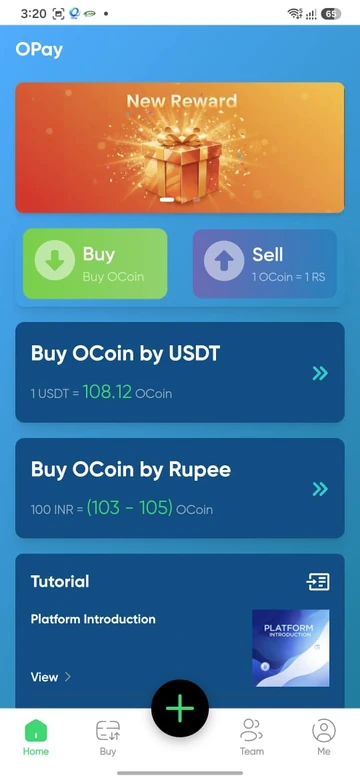
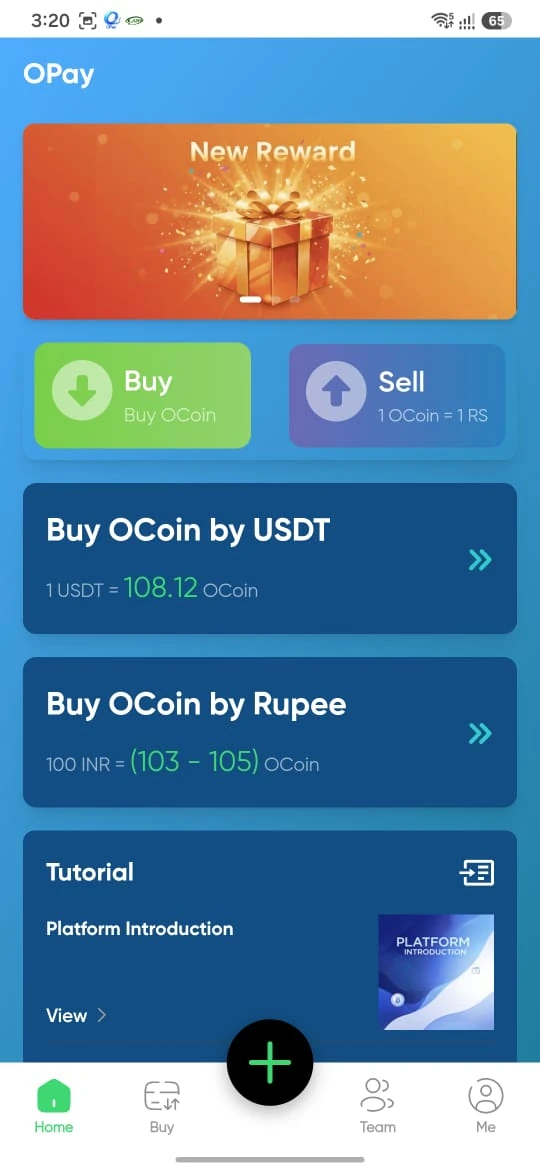
Home shows a New Reward banner, Buy and Sell shortcuts, Buy OCoin by USDT, Buy OCoin by Rupee and Tutorial. Its examples are 108.12 OCoin per USDT and 100 INR → 103–105 OCoin.
INR Buy: amount, income and quota
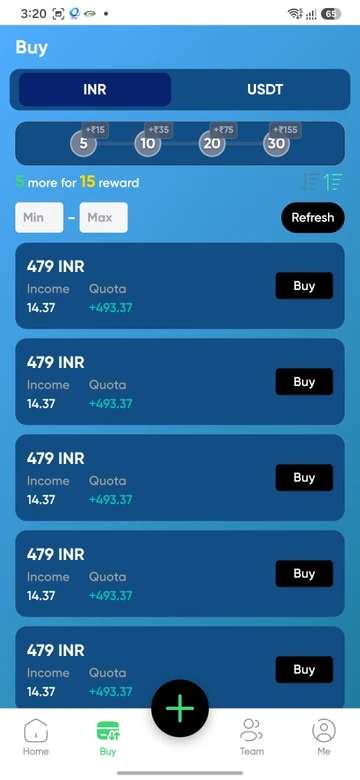
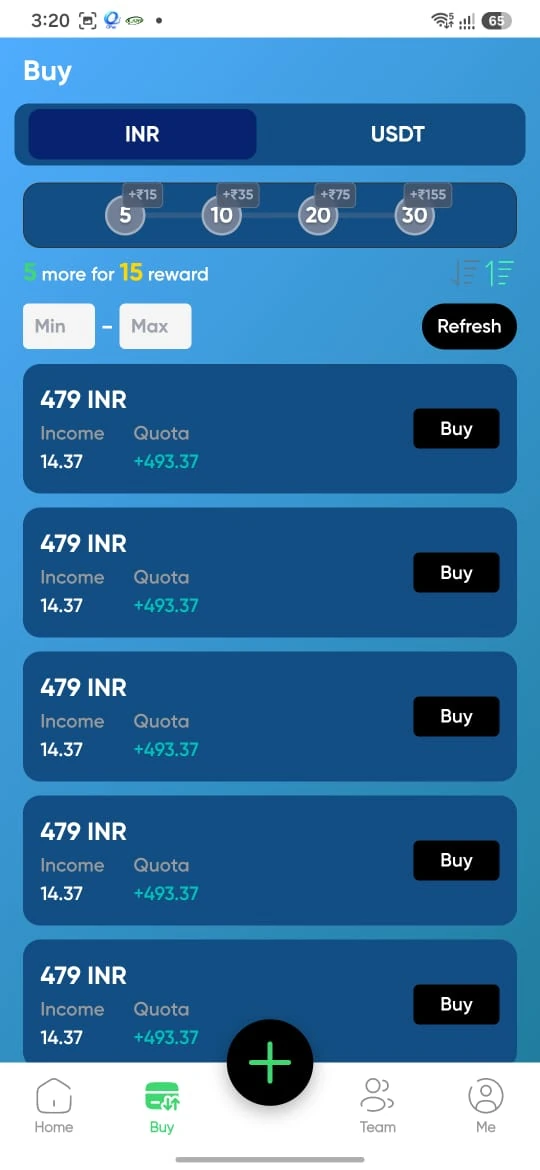
The selected INR tab displays 479 INR, Income 14.37 and Quota +493.37 on a listing. The income corresponds to 3% of the amount. The screen also includes minimum/maximum fields, Refresh and reward milestones.
USDT Buy: network and quote
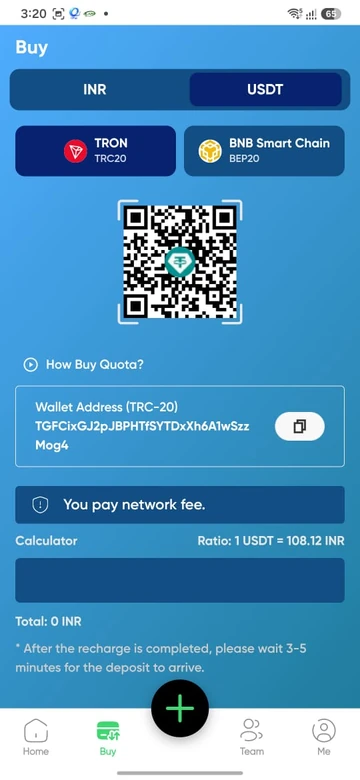
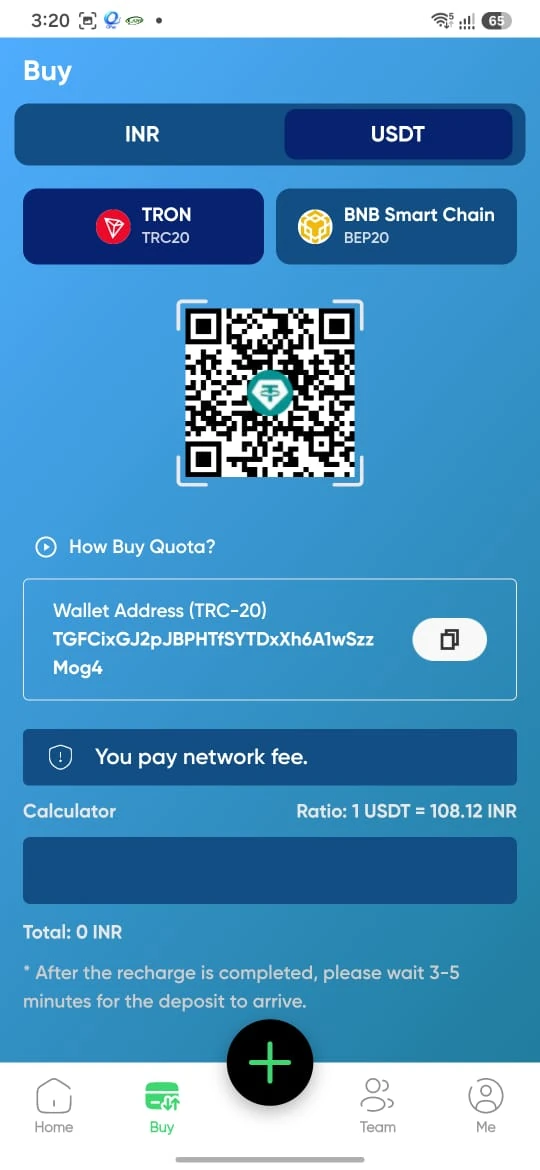
USDT has TRON/TRC20 and BNB Smart Chain/BEP20 tabs, a wallet area, a network-fee note and a 108.12 ratio. Get current payment details from the live platform rather than a reference screenshot.
Me: account and activity
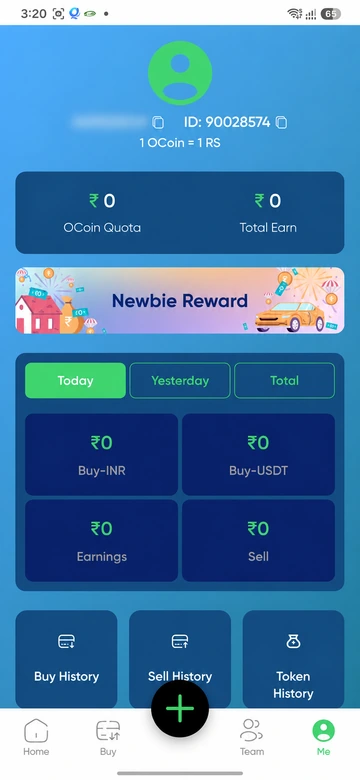
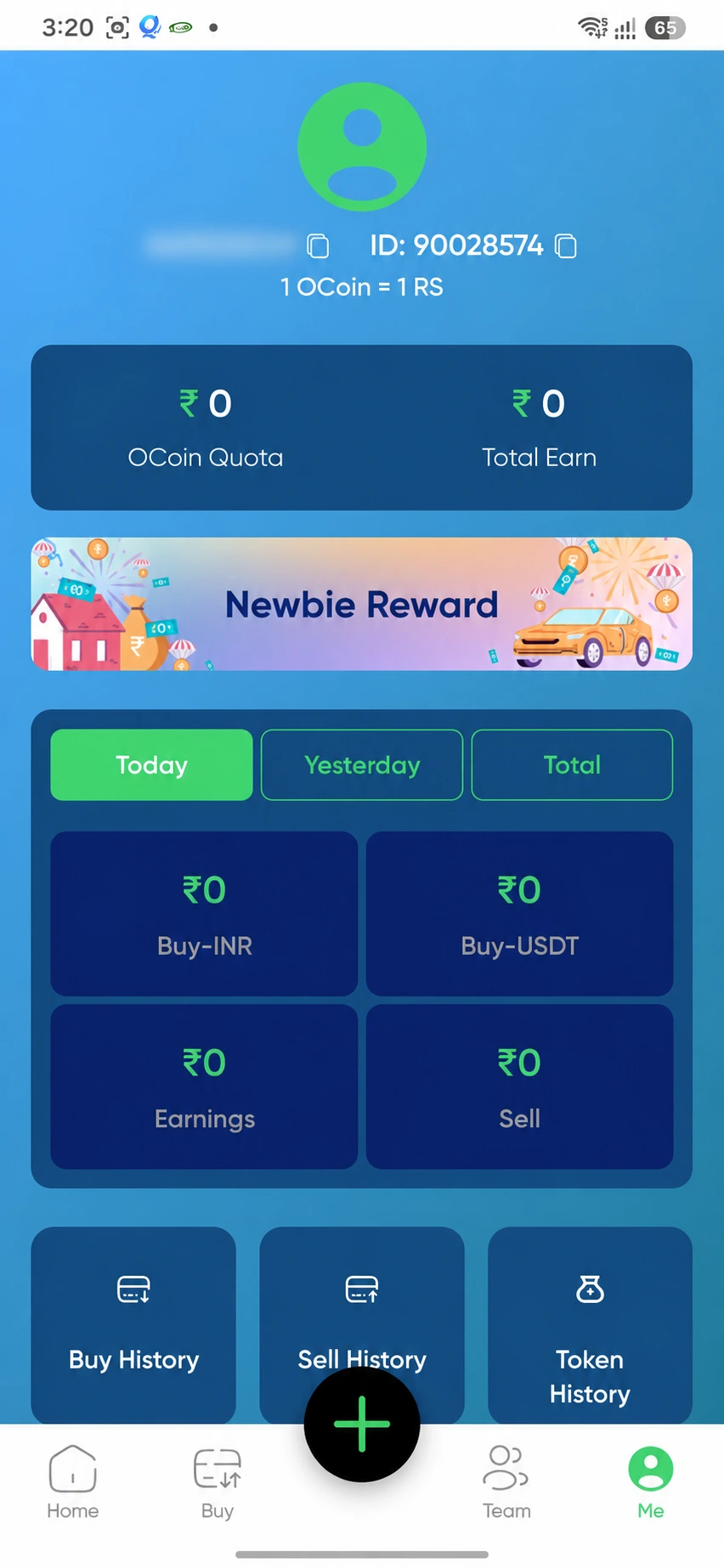
The account area separates OCoin Quota and Total Earn. Today, Yesterday and Total tabs sit above Buy-INR, Buy-USDT, Earnings and Sell tiles. Buy History, Sell History and Token History are the visible shortcuts.
Registration, login and recovery
Use the dedicated registration guide, web-login guide, password-recovery guide or Android download instructions. Read the हिन्दी गाइड for Hindi explanations.